
How to make a personalized storybook with Storlo
It takes a few minutes and no account. Here's what you do.
Open Storlo and choose a story.
Browse by theme in Explore. Each story shows its age range, its reading time and a description. Free stories and Pro stories are clearly marked.
Stories →Tell Storlo about your child.
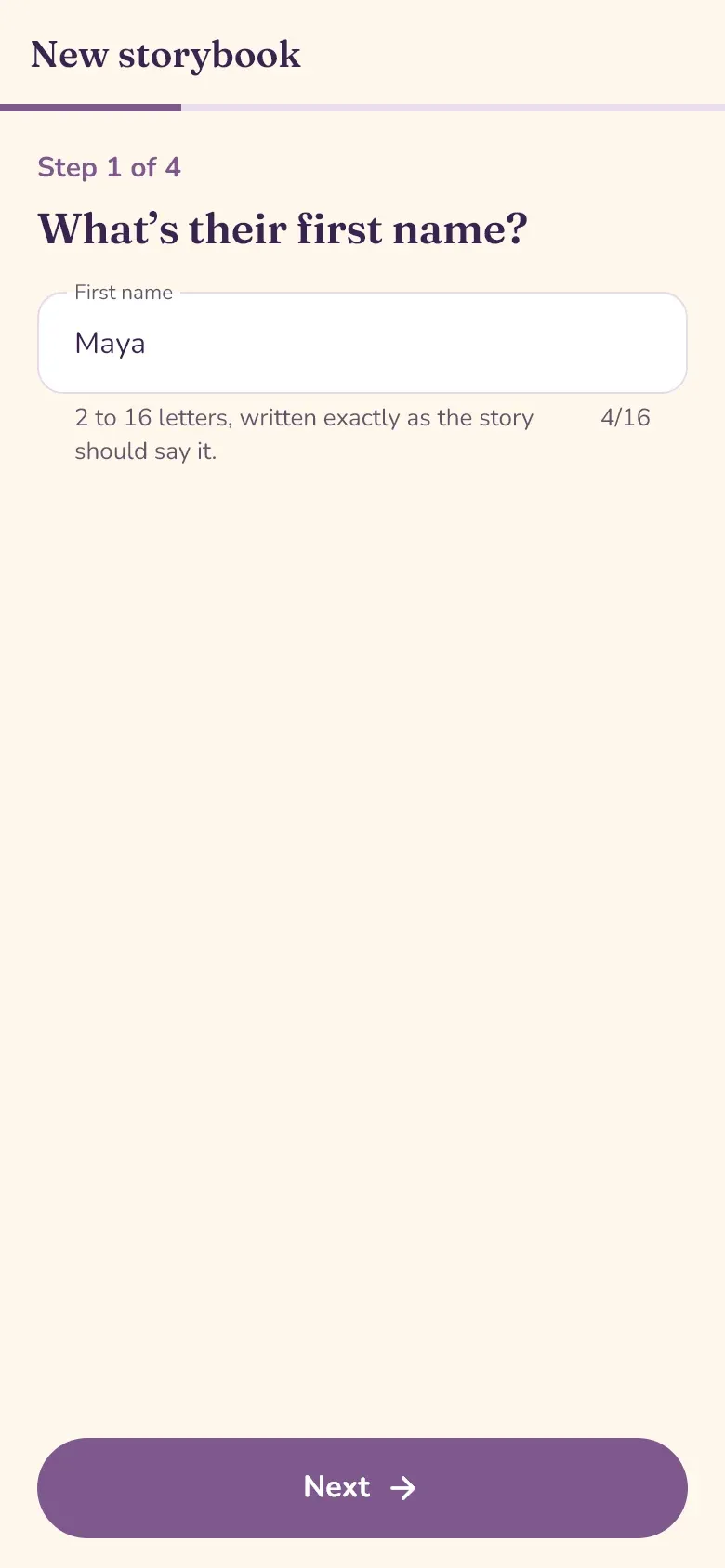
Type their first name. Choose how the story refers to them: he, she or they. Save them as a family profile if you'll make more books for them.
Choose their character.
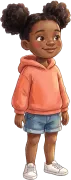
Pick one of 21 characters. Tap "Customize appearance" to set skin tone, hair colour and outfit colour.
Characters →Add the extras.
Some stories have a part for a best friend or a pet or cuddly toy: add their names if you like. In royal stories, choose Prince, Princess or Young Royal.
Preview and create.
Check the cover with your child's name, then create the book. All 20 pages are made on your phone. Your first storybook is free.
Read it together.
Swipe through the pages. On supported Android devices, tap Listen to hear it read aloud with a voice installed on the device, and let the pages turn by themselves.
Make it yours.
Change any words, add your own photos (Storlo can remove a photo's background on your phone), and add decorations and backgrounds.
Keep it and share it.
Export a PDF for reading on screens, a print-quality PDF or JPEG pages, in sizes from 4 × 6 in to 12 × 12 in, and share them with family or send them to your favourite print shop.
A look inside the app
App screen (Android build, rendered from the app's code) 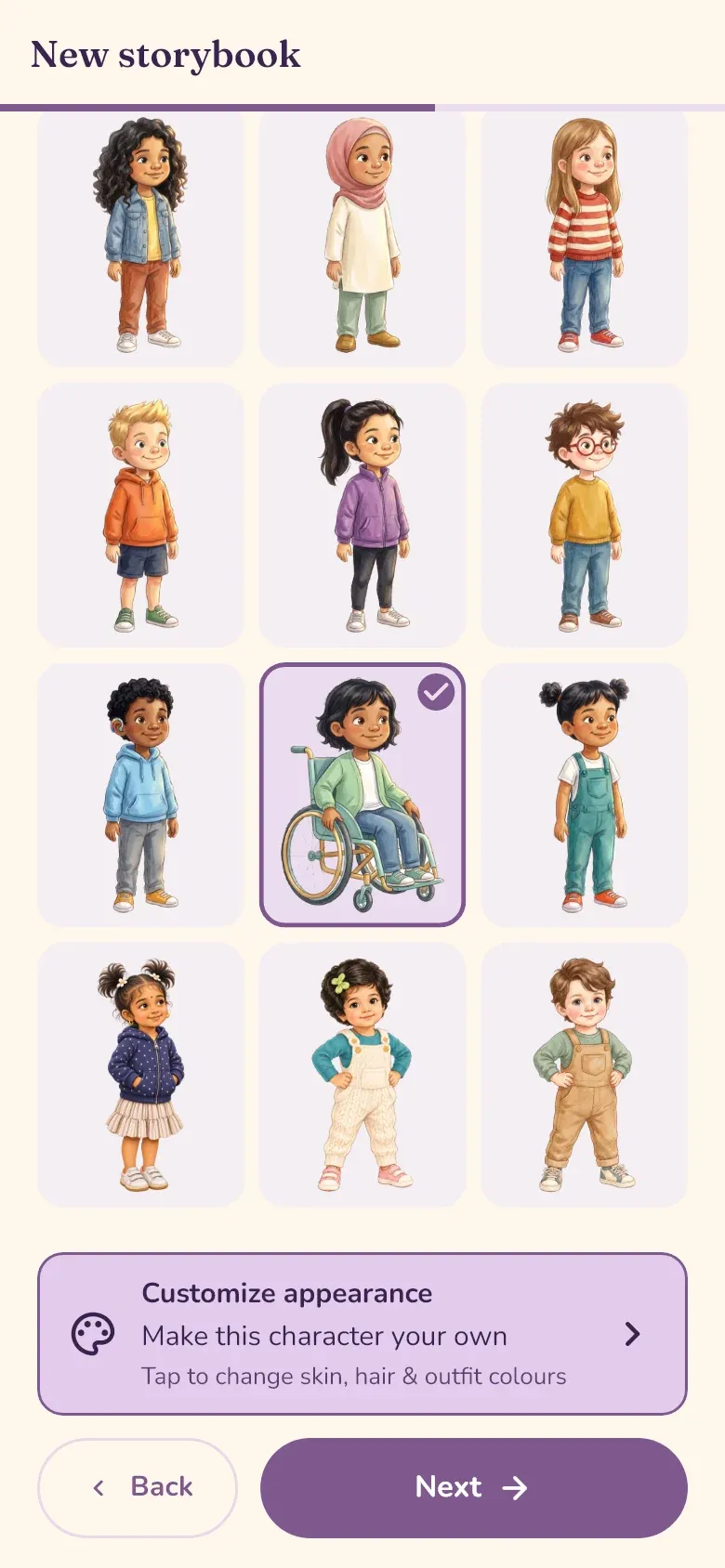
App screen (Android build, rendered from the app's code) 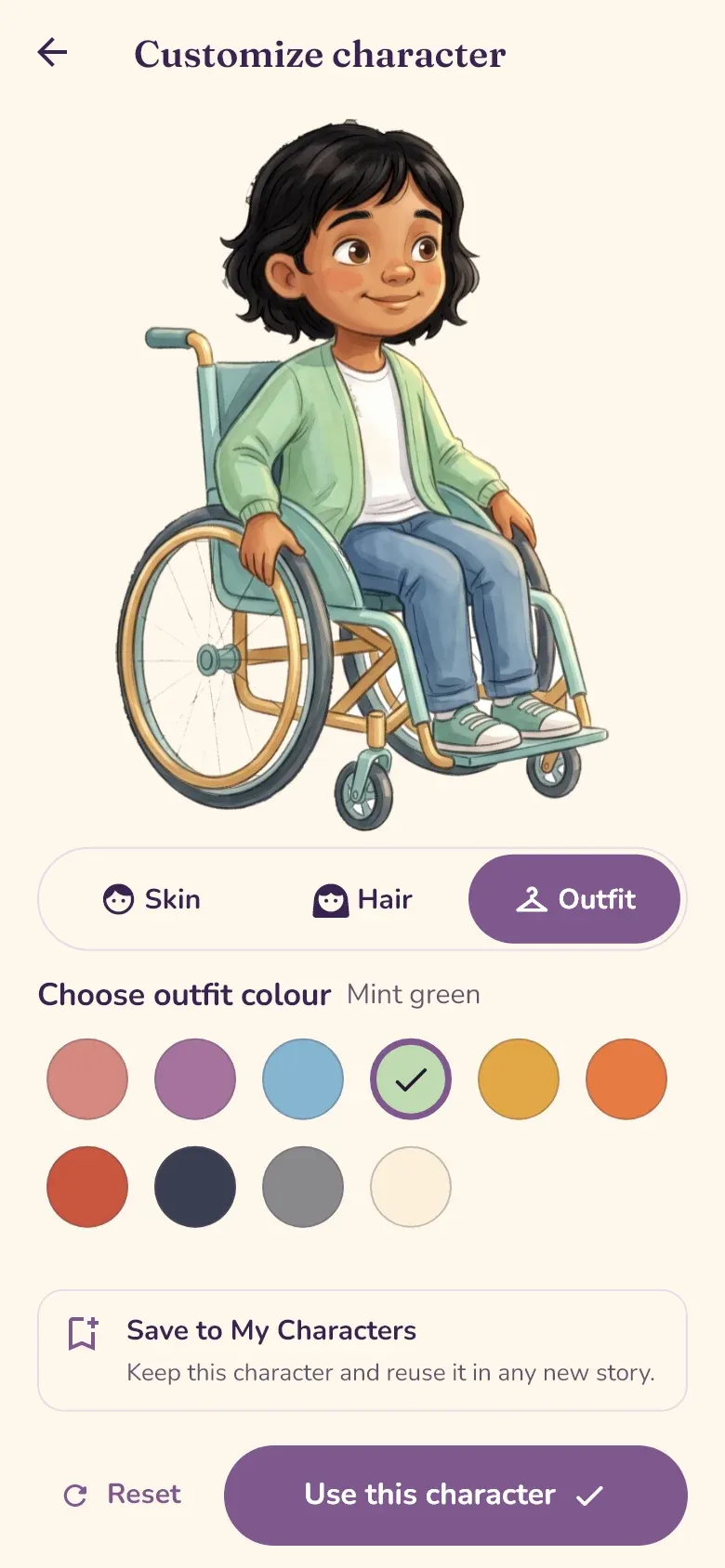
App screen (Android build, rendered from the app's code) 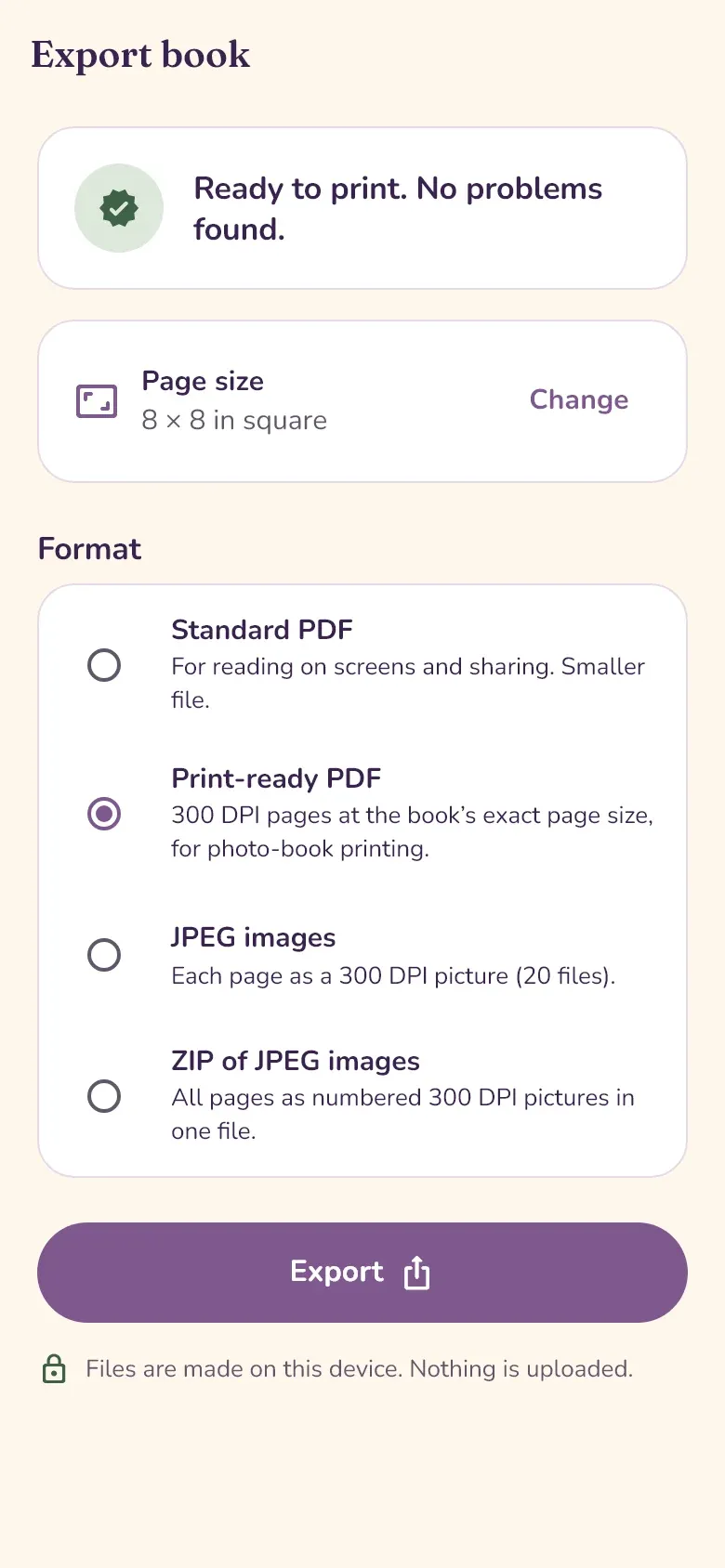
App screen (Android build, rendered from the app's code)
Storlo creates print-ready files; it doesn't print or ship books.
Coming soon to Google Play
See the stories